Documentation Index

Fetch the complete documentation index at: https://support.artisan.co/llms.txt

Use this file to discover all available pages before exploring further.

This guide takes you from a fresh account to your first live campaign with Ava handling outreach.

Before you start you’ll need

  • A connected primary mailbox (see Connect your mailbox)
  • A connected LinkedIn account if your sequence uses LinkedIn (see Connect LinkedIn)
  • A sender with a signature and meeting booking link
  • Credits on your account
If you plan to send from secondary mailboxes, those take roughly 2 weeks to warm up before they can send. Start that process early.

Step 1: Create the campaign

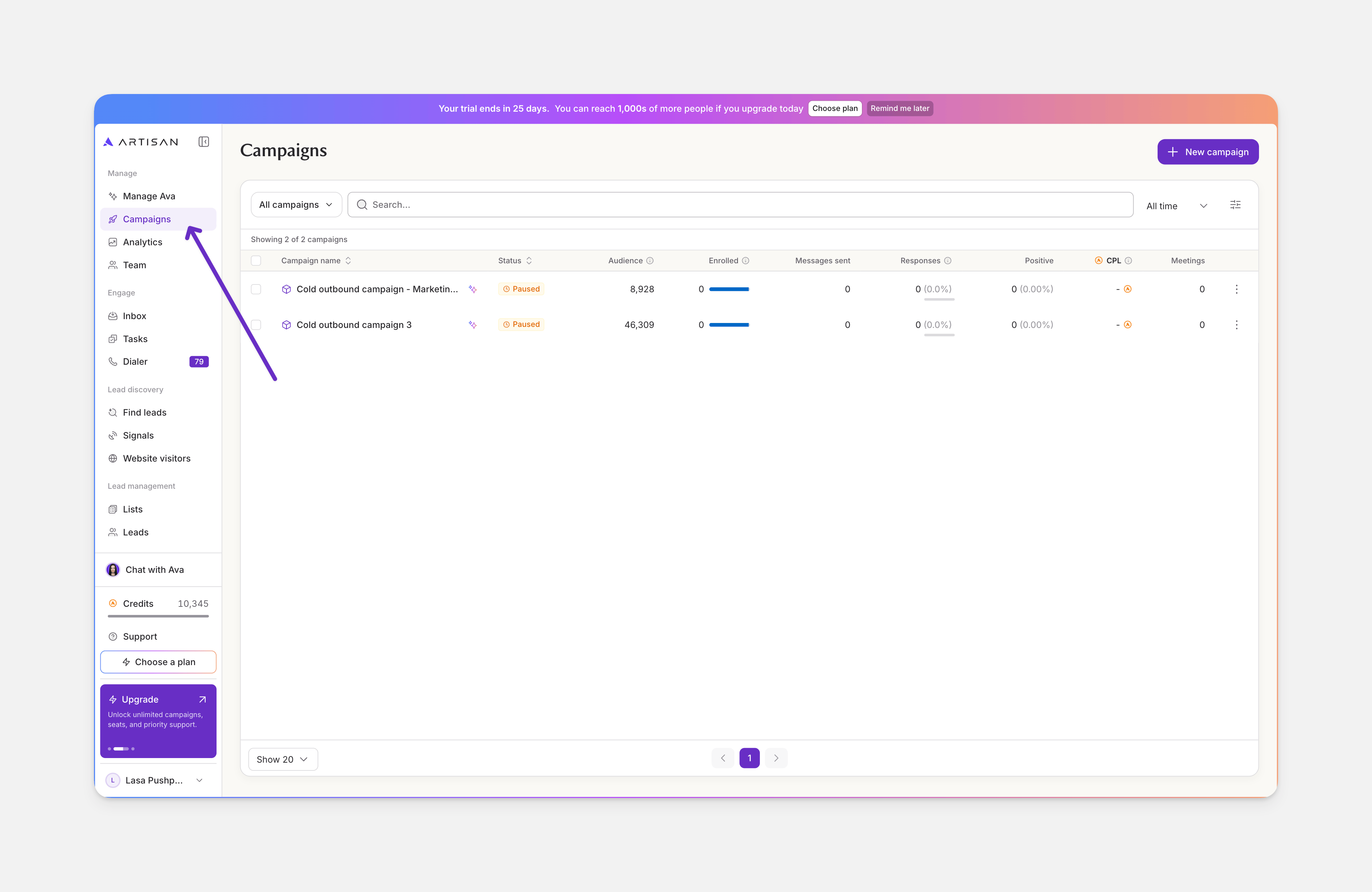
From the sidebar, create a new campaign and pick a type:
  • Cold outbound for reaching out to net-new leads
  • Warm outbound for reaching out to leads in your CRM
  • Cross-sell and upsell for outreach to your existing customer base
  • Website visitors to de-anonymize and sequence your website visitors
  • Intent signals to find timely net-new prospects with intent signals

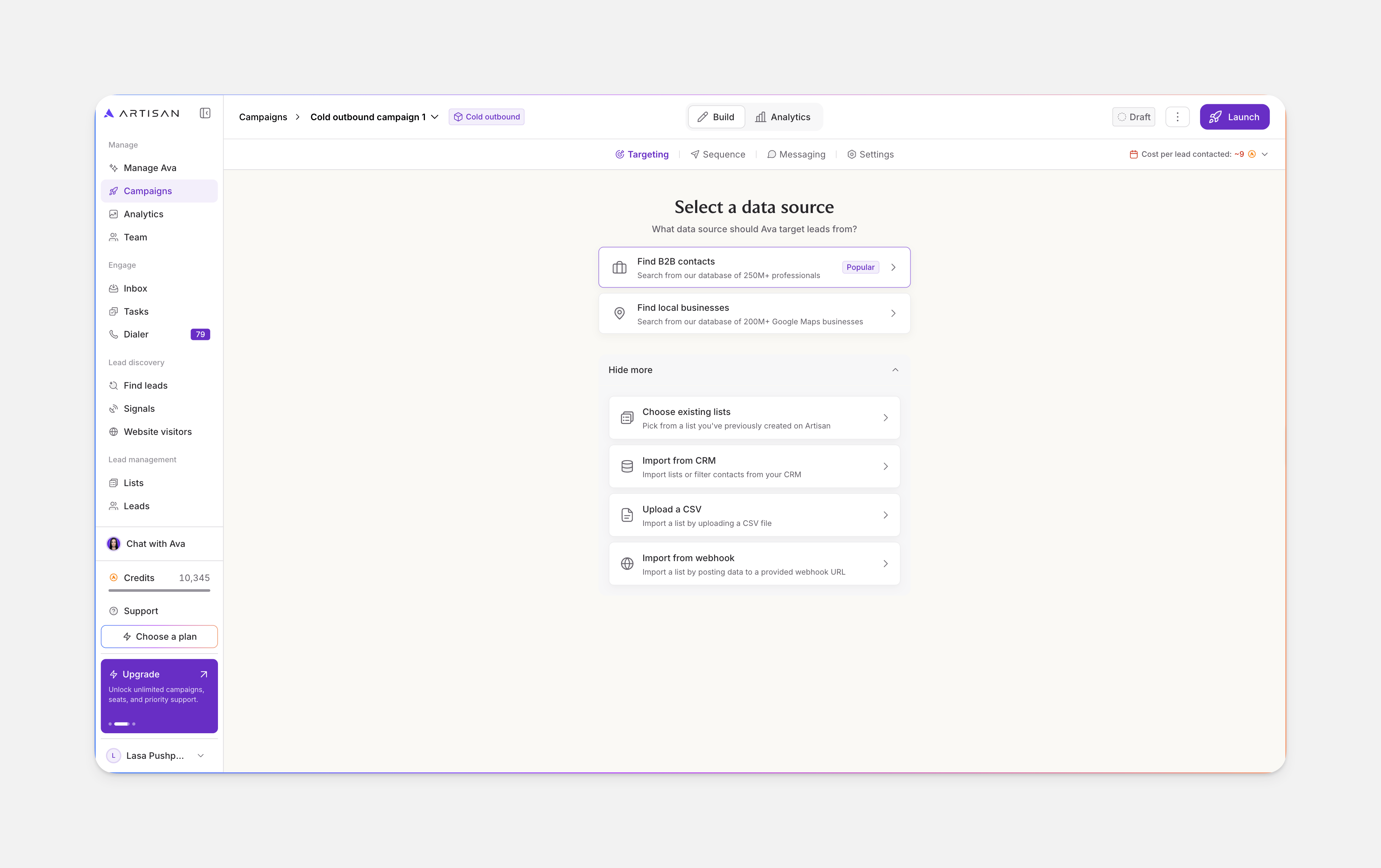
Step 2: Pick a data source

Available sources depend on the campaign type:
  • Find B2B contacts: search Artisan’s database of 250M+ professionals
  • Find local businesses: search Artisan’s database of 200M+ Google Maps businesses
  • Choose existing lists: pick from a list you’ve previously created on Artisan
  • Import CRM list: import a list or filter contacts from your CRM
  • Upload a CSV
  • Import from webhook: import by posting data to a provided webhook URL
Cross-sell and upsell campaigns don’t allow Artisan’s B2B database or local data as sources.

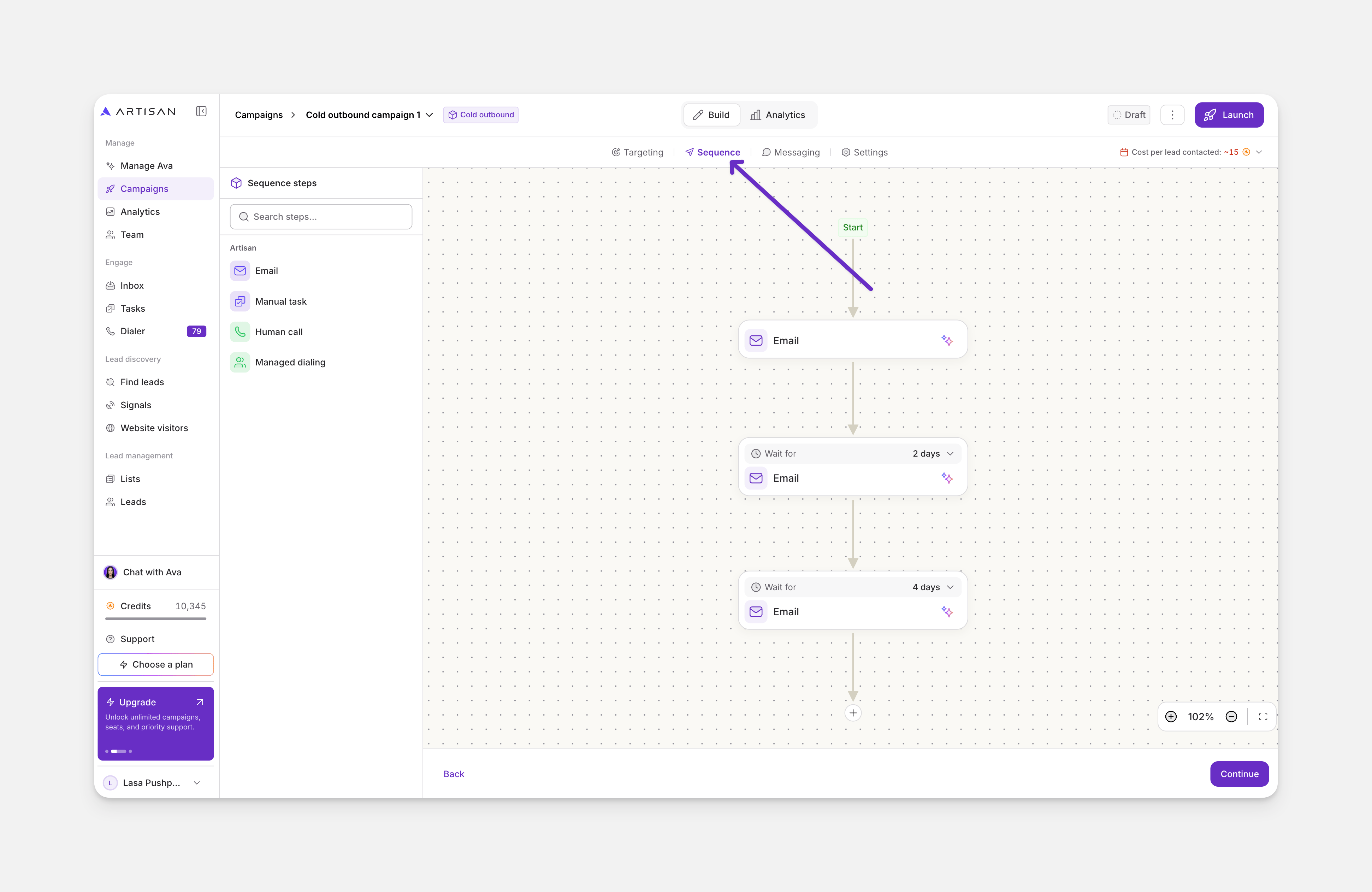
Step 3: Build the sequence

You can start from a template or build a blank sequence. For cold outbound, templates include:
  • LinkedIn + email
  • Email only
  • LinkedIn + email + phone
  • Email + phone

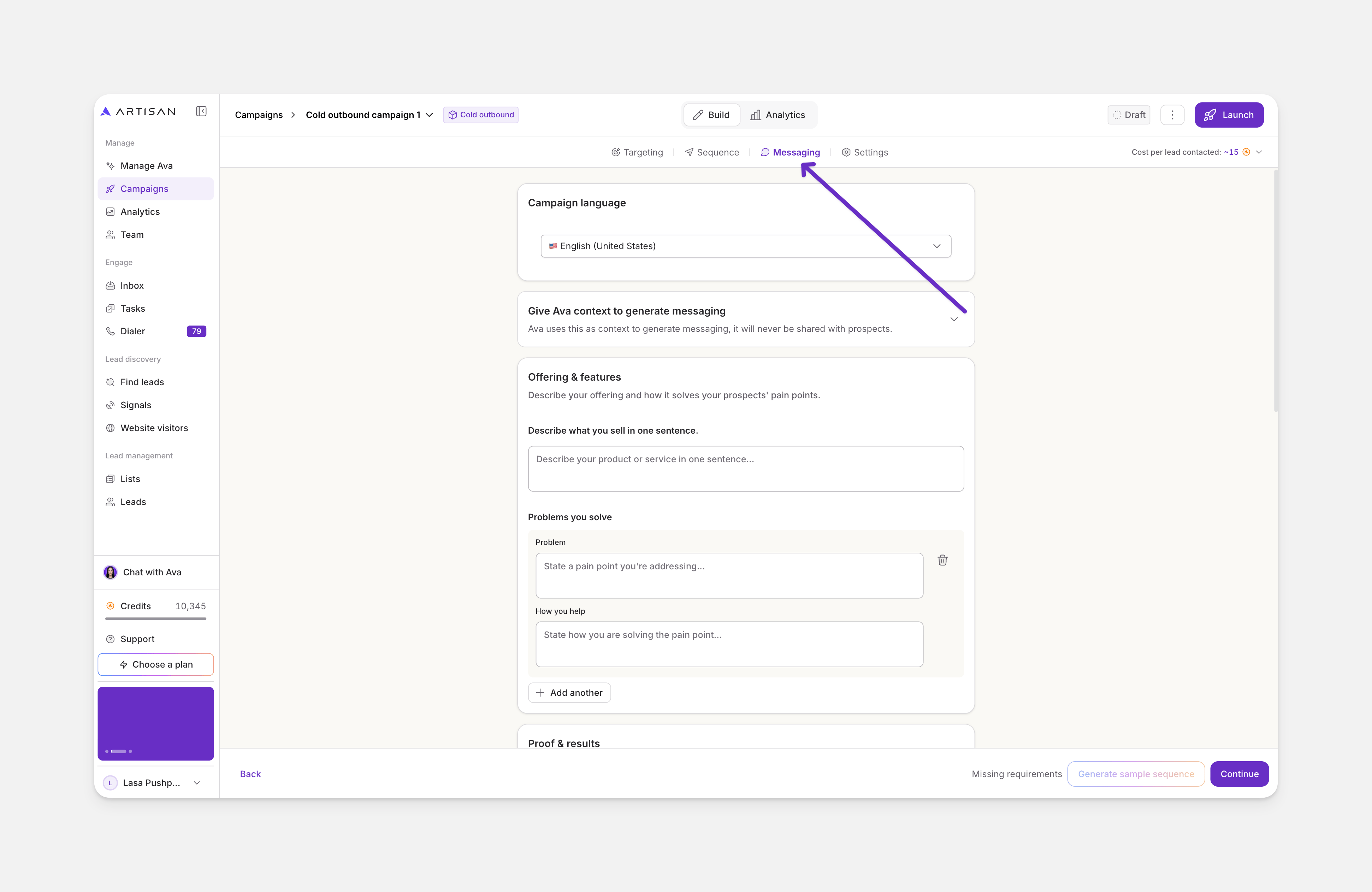
Step 4: Configure messaging

Ava generates messaging from the context you give her. Provide your company URL, and optionally attach files like sales decks or one-pagers. From that context, Ava produces a first draft of:
  • A one-sentence description of your offering
  • Features as pain point and solution pairs
  • Social proof (proof points, customers, case studies) pulled from your site
  • CTAs to test across channels
Review and edit everything. Then choose your personalization tier:
  • Lite (3 credits/lead): one relevant personalization per lead, 10 sources
  • Deep (6 credits/lead): pulls from more sources and combines signals, 23 sources. Recommended for most campaigns.
  • Agentic (12 credits/lead): everything in Deep plus autonomous web research, 33 sources
Add coaching points to guide tone, structure, or anything else specific to your brand.

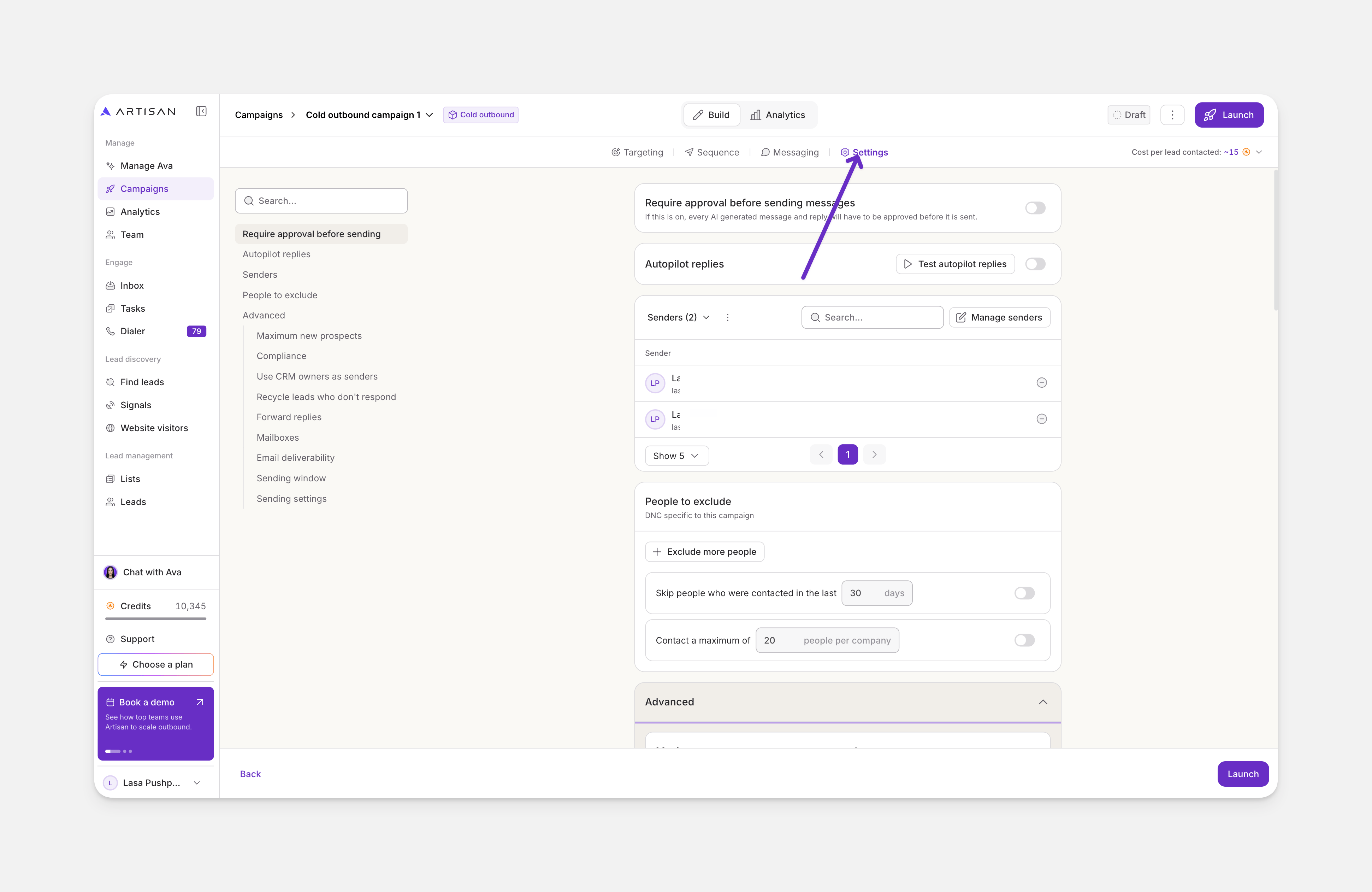
Step 5: Adjust settings

Defaults work for most campaigns. The settings worth checking on your first launch:
  • How should Ava schedule and send messages? Autonomous or review-and-approve
  • How many leads to contact each month
  • Senders assigned to this campaign
  • Autonomous replies on or off
  • Lead recycling if you have a small TAM
  • Sending window and timezone

Step 6: Launch

Generate sample messages (you can preview up to 5 leads at once). When you’re satisfied, launch.

How enrollment and credits work

  • Leads are enrolled gradually over the campaign, not all at once. If you change something a few days in, only those days’ leads have been charged.
  • Credits are charged per lead at the point of enrollment, not as each step executes.
  • The right side of the settings page shows your max 30-day credit cost and your estimated runway before you launch.