
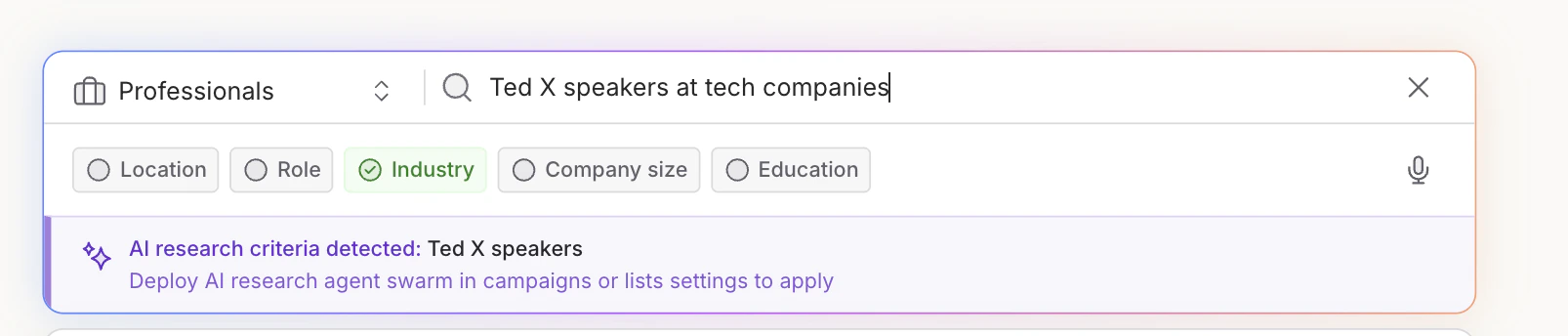
Use it to enrich a list
Use AI web research when you want Ava to add researched information as a column in a list.Use this when: you want the research result as a visible column you can review, segment, export, or use later for qualification.To add AI web research to a list:
- From a list, choose Enrich → AI web research. This opens the research panel for the list you’re working in.
- Tell Ava what to research. Ava will use your prompt to decide what signal or insight to look for online.
- Review the output format and object type Ava selects. Ava chooses these based on your prompt and whether the list is person-level or company-level, but you can adjust them if needed.
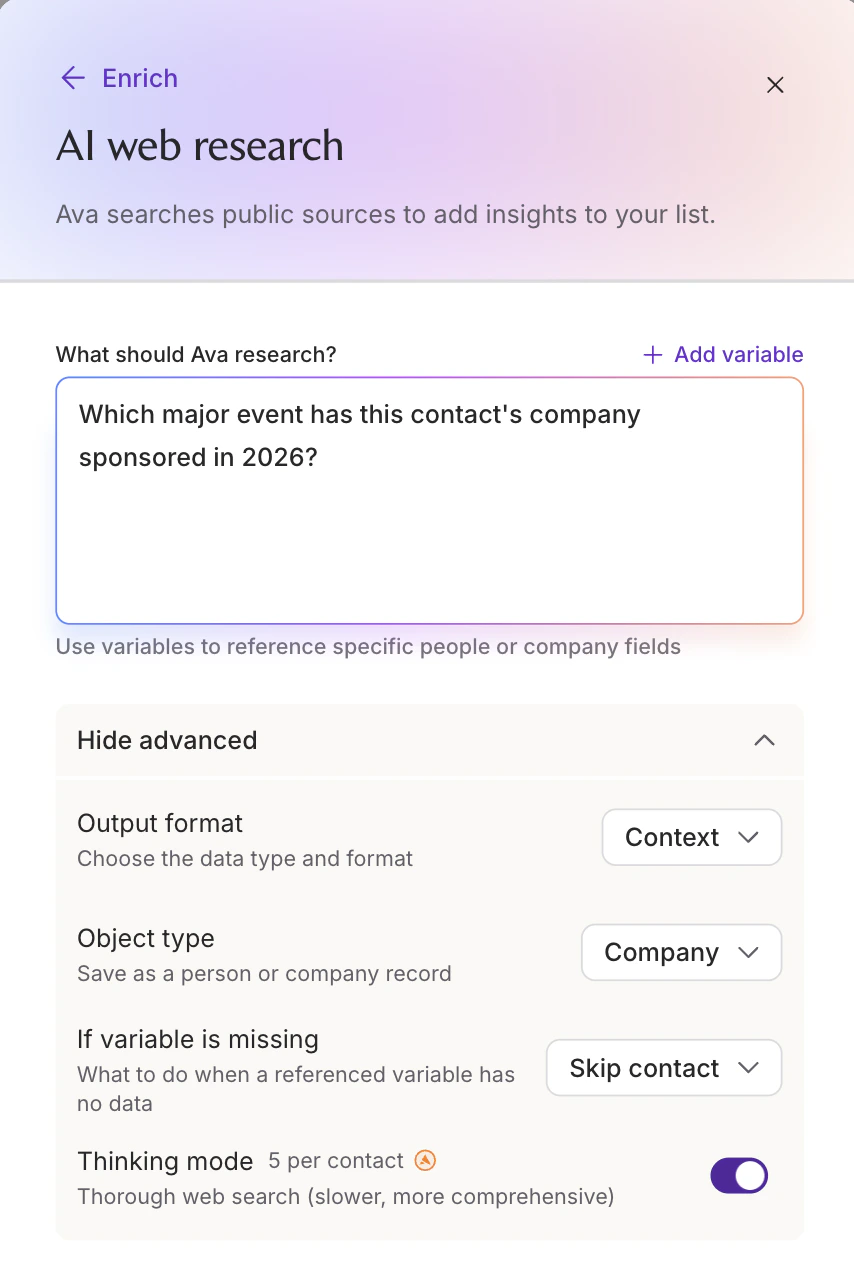
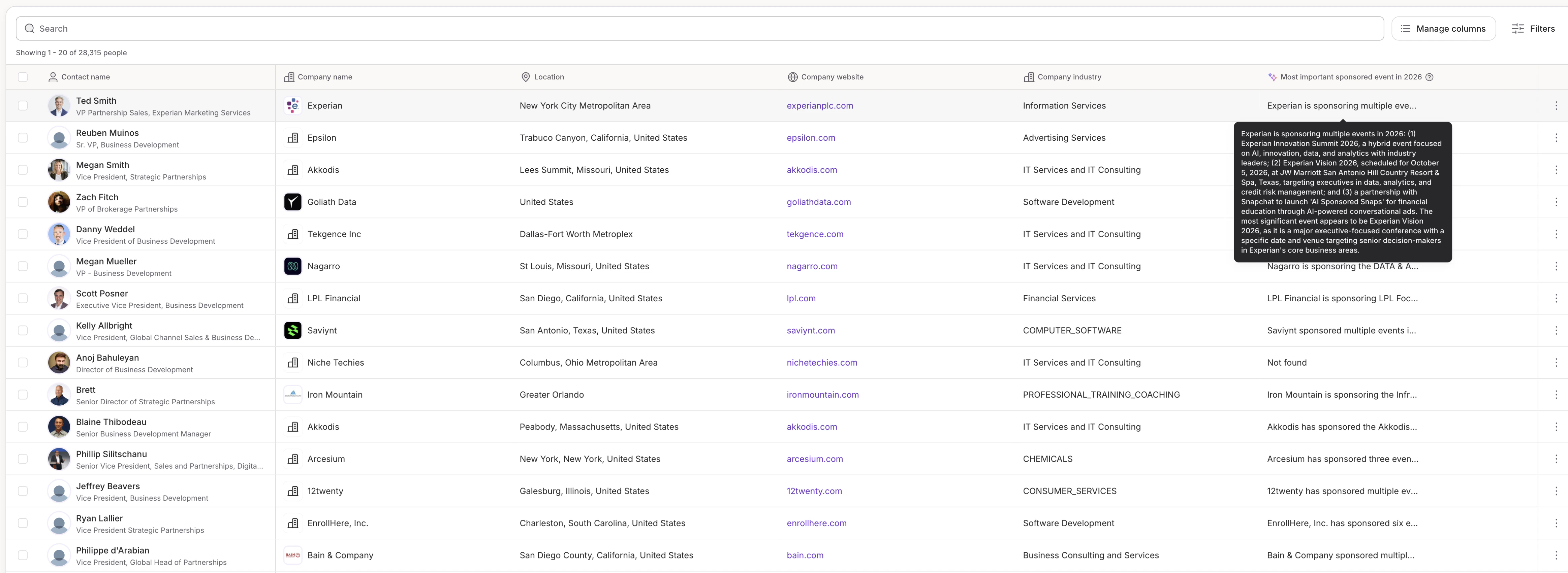
- Adding researched company insights to a list
- Finding events, announcements, markets, or public signals
- Reviewing AI research before using it in outreach
- Creating custom columns that do not exist as standard filters
Use it to qualify campaign leads
Use AI qualification when the research answer should decide whether Ava contacts a lead.Use this when: the research answer should decide whether Ava includes a lead in a campaign.In campaign settings, turn on Let Ava research and qualify each lead, then add the criteria Ava should check.
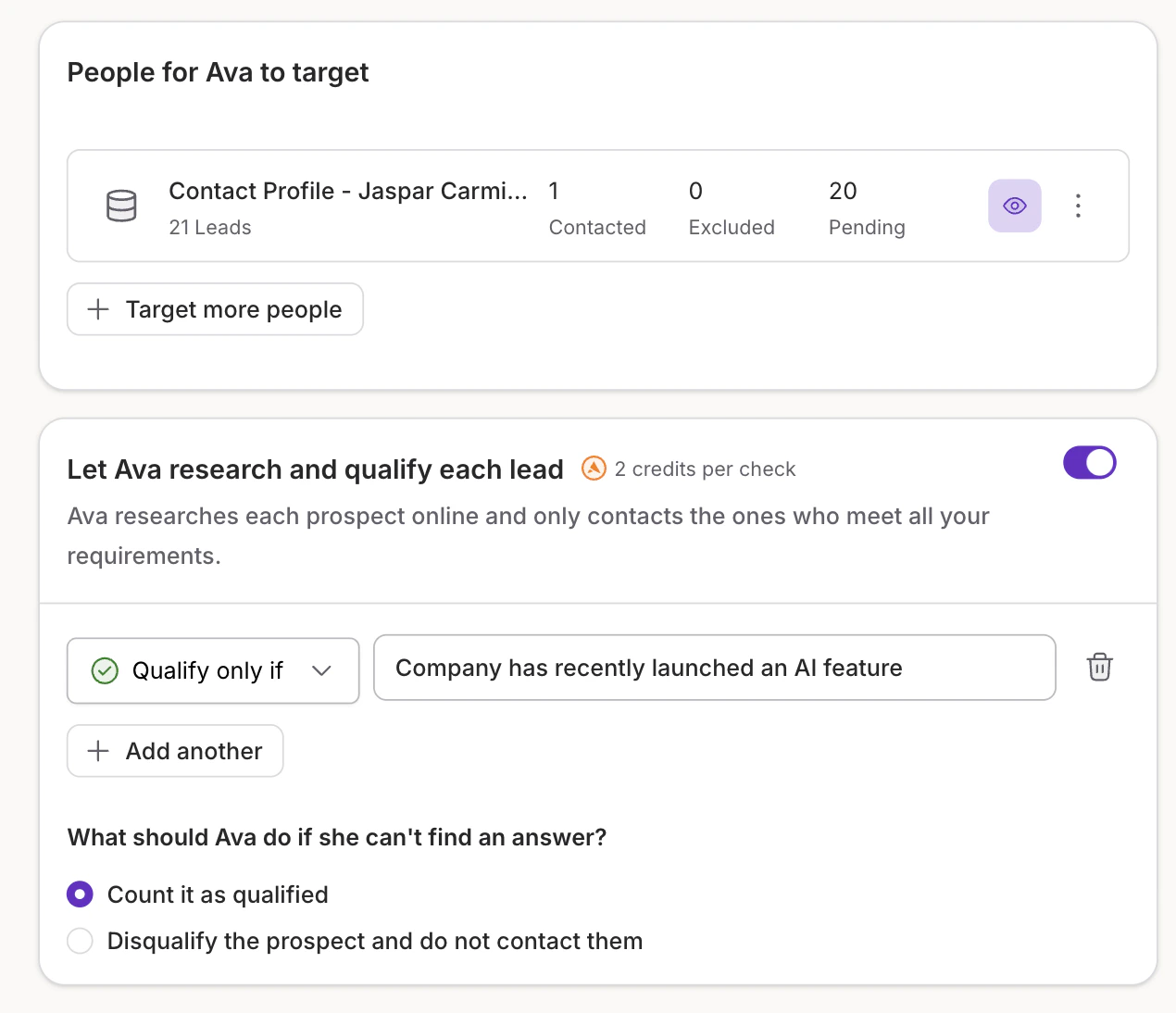
- Qualifying companies that recently launched a specific product
- Disqualifying leads that do not match your ICP
- Checking whether a company mentions a specific use case, customer segment, or integration
- Confirming whether a company or person appears in a public source